


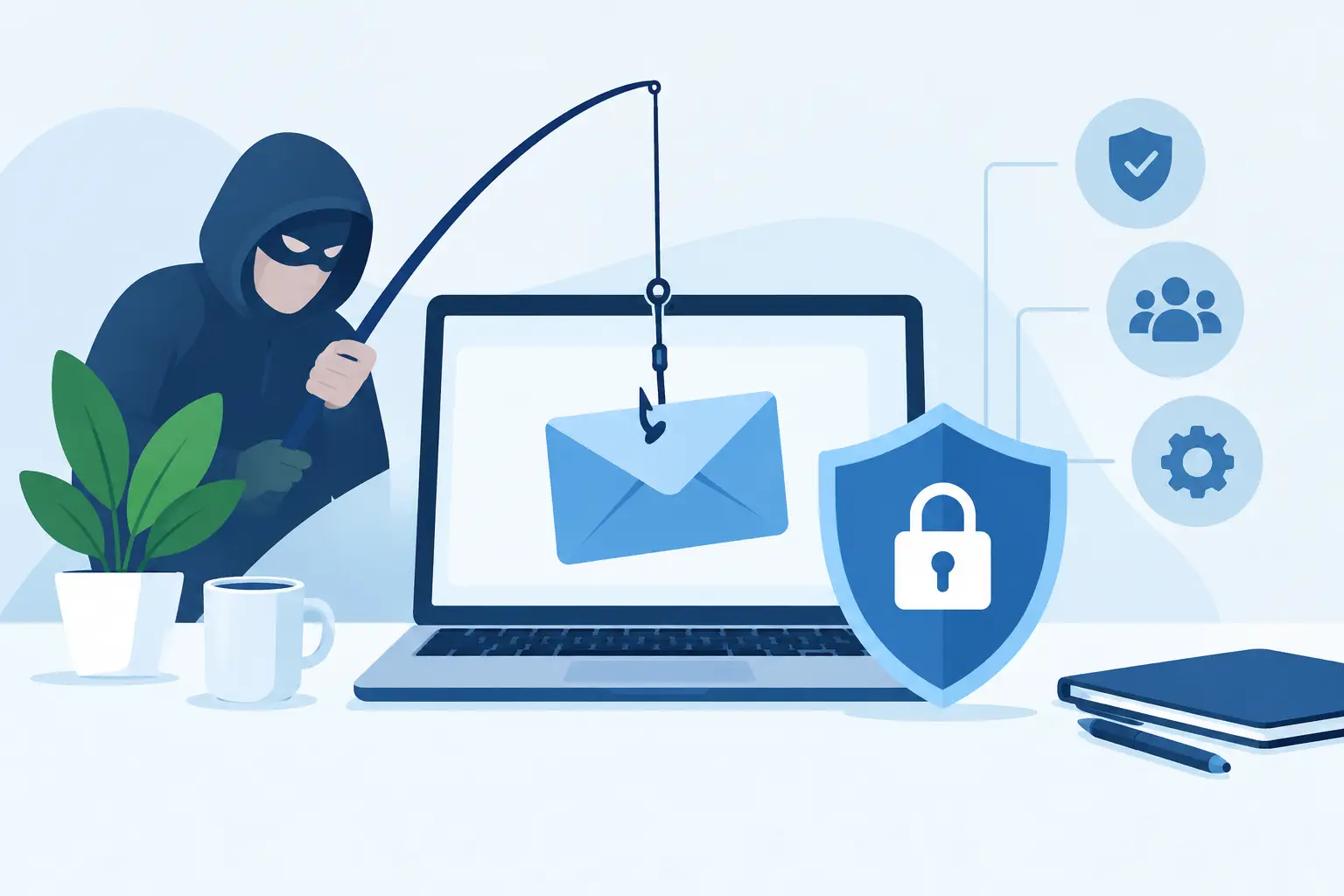
Phishing risk comes down when you make it harder for a criminal to impersonate your business and easier for staff to spot, report and contain a suspicious message. To reduce phishing risks, combine Microsoft 365 security settings, clear payment processes and short, regular staff training.
Most phishing incidents do not start with a technical failure. They start with a rushed person approving a fake invoice, entering a password into a copied Microsoft sign-in page, or replying to an email that appears to come from a director. The controls need to account for that pressure.
How do you reduce phishing risks without slowing staff down?
Start with identity controls and payment checks, then train people on the small number of decisions they make every day. Security that creates too much friction will be worked around, so use protections that fit the job: stronger verification for finance and administrators, simple reporting for everyone else.
For a business with 5 to 200 staff, the priority is usually Microsoft 365. Email, files, Teams chats and sign-ins are connected. One stolen password can give an attacker a convincing view of your business, including suppliers, invoices and staff names.
Turn on multi-factor authentication for every account, beginning with global administrators, finance staff and directors. Avoid SMS codes where an authenticator app or security key is practical. SMS is better than a password alone, but it can be exposed through number-porting scams and social engineering.
Use separate administrator accounts for IT administration. A person should not read everyday email from an account that can change security settings, create users or access all mailboxes. This reduces the damage if their ordinary account is compromised.
Which phishing controls should be in place first?
The first controls should stop account takeover, block common malicious email and prevent unauthorised payment changes. They will not catch every scam, but they materially reduce the chance that one convincing message becomes a financial loss, data breach or prolonged clean-up exercise.
Work through this checklist with whoever manages your Microsoft 365 tenant. Record who owns each task and when it was checked. A setting that was enabled three years ago is not proof that it still suits your current users and suppliers.
| Control | What it does | Practical decision | |---|---|---| | Multi-factor authentication | Adds a second sign-in check after the password | Require it for all users, with stronger methods for admins and finance | | Conditional access | Limits risky sign-ins by location, device or risk level | Start with administrator and high-risk user groups, then test before wider rollout | | Anti-phishing policies | Flags impersonation, suspicious links and risky attachments | Protect director names, finance addresses and key supplier domains | | Email authentication | Uses SPF, DKIM and DMARC to reduce spoofed email from your domain | Configure SPF and DKIM first, then move DMARC from monitoring to enforcement carefully | | Payment verification | Requires an independent check before bank details change | Call a known number from your records, not the number in the email | | Backups | Preserves recoverable business data after compromise or deletion | Confirm what is backed up, retention periods and how restoration is tested |
Email authentication deserves attention because it protects your reputation as well as your inbox. SPF identifies approved sending services. DKIM adds a signed message check. DMARC tells receiving systems what to do when those checks fail. Poorly configured records can interrupt legitimate sending from marketing, payroll or CRM tools, so audit every system that sends mail before enforcing a strict DMARC policy.
Why are payment processes as important as email security?
Email filtering can reduce malicious messages, but it cannot reliably judge whether a real supplier has had its mailbox compromised. A simple, documented verification process stops the most expensive version of phishing: a fraudulent bank account change that looks legitimate.
Never accept new bank details or a changed account number from an email alone. The finance team should call the supplier using a number already held in the accounting system, contract or official website. A reply to the suspicious email is not independent verification.
Set an approval rule for unusual payments. It might apply when a payment exceeds an amount your business chooses, when a new supplier is added, or when details change close to a payroll or creditor run. The rule matters less than consistency. Make it clear who can approve an exception and how that approval is recorded.
Directors should also agree on a rule for urgent requests. Criminals often impersonate a director and ask an employee to buy gift cards, release a payment or send files immediately. A genuine urgent request can wait for a Teams call, mobile call or second channel confirmation.
What should staff be trained to look for?
Staff should learn to pause when a message creates urgency, asks for credentials, changes payment details or moves a conversation to an unfamiliar channel. Training works best when it uses examples from daily work, not generic warnings people forget before the next inbox check.
Teach staff to inspect the actual sender address, not only the display name. A message from “Accounts Team” may come from a free email account or a domain with one changed character. On a mobile, this is harder to see, so staff should know how to expand sender details before acting.
Give people one easy reporting path. In Microsoft 365, this may be a reporting button in Outlook, a monitored security mailbox, or both. Explain what happens after a report: IT checks the message, removes matching emails if required, and tells staff whether they need to reset a password or take further action.
Phishing simulations can help, but they can also become a box-ticking exercise if every test looks the same. Use them to identify patterns, such as staff who struggle with fake sign-in pages or invoice scams. Follow up with short coaching, not public blame.
How should you respond when someone clicks a phishing link?
Act quickly, but do not assume a click means an attacker has gained access. Disconnect affected devices only if instructed, preserve the email and check sign-in activity, mailbox rules and file access. Speed matters because compromised accounts are often used to target colleagues and suppliers.
If the person entered their password, reset it immediately and revoke active sessions. Check whether multi-factor prompts were approved unexpectedly. Review forwarding rules, deleted items and sent mail for signs that the mailbox has been used to continue the fraud.
If payment details or banking information were involved, notify the relevant bank promptly and preserve the email trail, transaction records and call notes. Your response should be based on the facts available, not guesses about who sent the message.
For a wider incident, document the timeline: who received the email, when it was reported, what account was affected, what actions were taken and what needs to change. That record helps management make a sensible decision rather than repeating the same incident six months later.
When should you get outside help with phishing protection?
Get help when nobody clearly owns Microsoft 365 security, your insurer or customer needs evidence of controls, or phishing reports are becoming routine. An external team should explain the gaps in plain language, scope the work and price it up front rather than selling a vague security package.
Sharktech Global provides cybersecurity support including Microsoft 365 hardening, email fraud protection, phishing training and monitoring. It does not provide penetration testing, compliance certification or Essential Eight assessments, but it can explain where those services fit and refer you where appropriate.
Sharktech Global is based in Liverpool, Sydney, with an office in South Yarra, Melbourne. Most work is delivered remotely, with on-site visits available as an add-on and quoted separately. Managed IT starts from A$60 per user a month, plus GST, with no minimum number of users and no lock-in. Add backups, security, AI agent management or on-site visits only when you need them.
Frequently asked questions
These are the questions business owners usually ask after a suspicious invoice, fake Microsoft alert or insurer questionnaire. The right answer depends on your current Microsoft 365 licences, number of users and how payments are approved, but the basic controls are consistent.
Is multi-factor authentication enough to stop phishing?
No. It greatly reduces password-only account takeover, but staff can still approve a fraudulent prompt or disclose information. Pair it with conditional access, email protection and payment verification.
Should we block all external email attachments?
Usually not. Many businesses receive legitimate documents from clients and suppliers. Block high-risk file types, scan attachments, and use secure sharing methods for sensitive documents instead.
Can a supplier's genuine email account send a phishing scam?
Yes. If a supplier's mailbox is compromised, the email may come from the correct address and continue an existing thread. Verify changed payment details through a known phone number.
How often should phishing training happen?
Short training every few months is more useful than a long annual session. Add a reminder when your business changes a payment process, starts using a new platform or sees a new scam pattern.
What evidence should we keep for a security questionnaire?
Keep records of multi-factor authentication coverage, user access reviews, security policies, phishing training, backup arrangements and incident response steps. Update them when systems or staff responsibilities change.
A phishing defence is not one product or one annual training session. It is a set of habits and controls that make a rushed decision less likely to become a business problem. If you want a practical review of your Microsoft 365 settings and payment process, book a free 30 minute call with Sharktech Global. We'll tell you whether we're the right fit.